Geofenced, face-verified check-ins for every shift. Your team uses the phone in their pocket or the tablet at the door. HR gets one honest record, all the way through payroll.
No more paper logbooks, buddy-punching or end-of-month spreadsheet scrambles. Clock-in checks where each person is, who they are and when they arrived, then sends that record straight to schedules, approvals and payroll.
Locate
GPS checks the person is inside the site geofence (25 m by default). Spoofed or mock locations get flagged for HR.
Verify
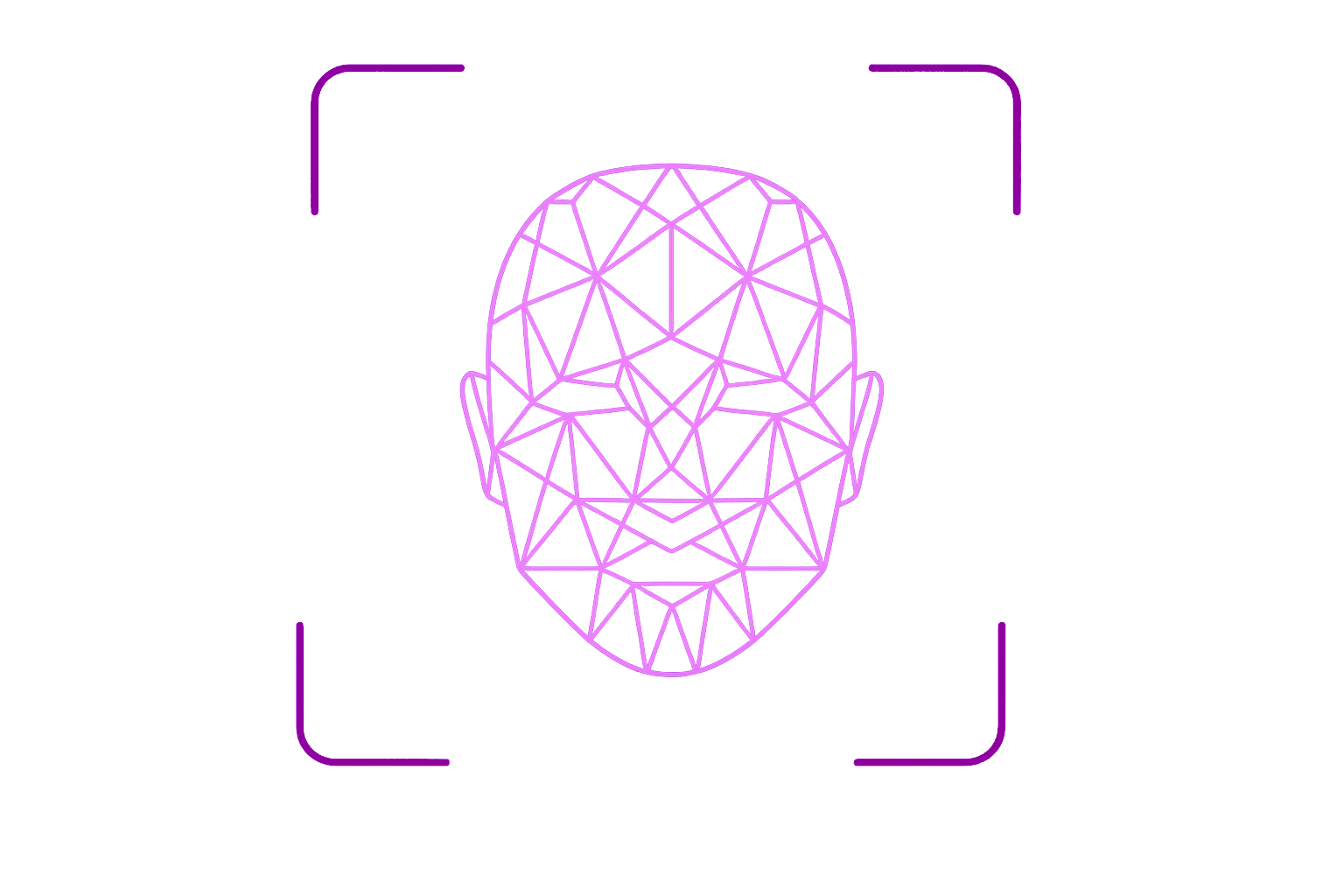
A quick selfie is matched against their registered face, so nobody can clock in for a friend.
Stamped
Each punch is stamped with server time, not the phone's clock, and shows up on the timesheet straight away.
One record.Three waysto clock in.
The phone in their pocket
Check in and out on site, see the week's schedule, file leave or amendments with photo attachments, and open payslips.


A shared tablet kiosk
Mount one tablet at the entrance and pair it with a checkpoint. People walk up, look at the camera, and see who clocked in and when. The screen resets after 8 seconds for the next person.
The console HR lives in
Companies, departments, positions and cost centres. Schedule masters, bulk assignments, approval procedures and holiday calendars. Violations, retros and a complete DTR report ready for payroll.
Everything that happens after the punch.
Schedules, leave, corrections, approvals and pay all work from the same verified attendance data, so nobody re-keys anything and there's nothing to argue about.
Register once. Verify every punch.
Employees enrol their face in the app. HR can see who's registered, and every check-in after that is matched against it.
Shift schedules
Schedule masters, regular and irregular shifts, bulk assignment by department.
Leave ledger
Balances by leave type, requests and history.
Amendments
Forgot to clock out? File a correction with up to seven photo attachments.
Multi-level approvals
Approval procedures route every request to the right people, in order.
Mock-location detection
GPS spoofing apps get flagged and listed for HR review, along with other violations.

Team requests
Leads review their team's leave and amendments from their phone.
Payslips & payroll
Attendance flows into payroll and billing, and employees open their payslip right in the app.
DTR reports
A complete daily time record for each employee, exported to Excel.
Holidays & cost centres
Holiday calendars, day types and cost-centre tagging for accurate pay and billing.
Every shift, accounted for.
One month, one team, every day in one view. Click any square to send a ripple through the grid, or pick a status to filter. (The data is illustrative.)
Default geofence radius around each checkpoint
Ways to clock in: mobile, kiosk tablet and the web console
Admin modules, from schedules to billing
Until the kiosk resets for the next person
Your shift starts here.
Get Clock-in on your iPhone or Android phone. Sign in with your company account and clock in from your very next shift.